
How it works
One report. Six things Mend does next.
Follow a single work order from the moment someone notices a problem to the moment Mend files what it learned.
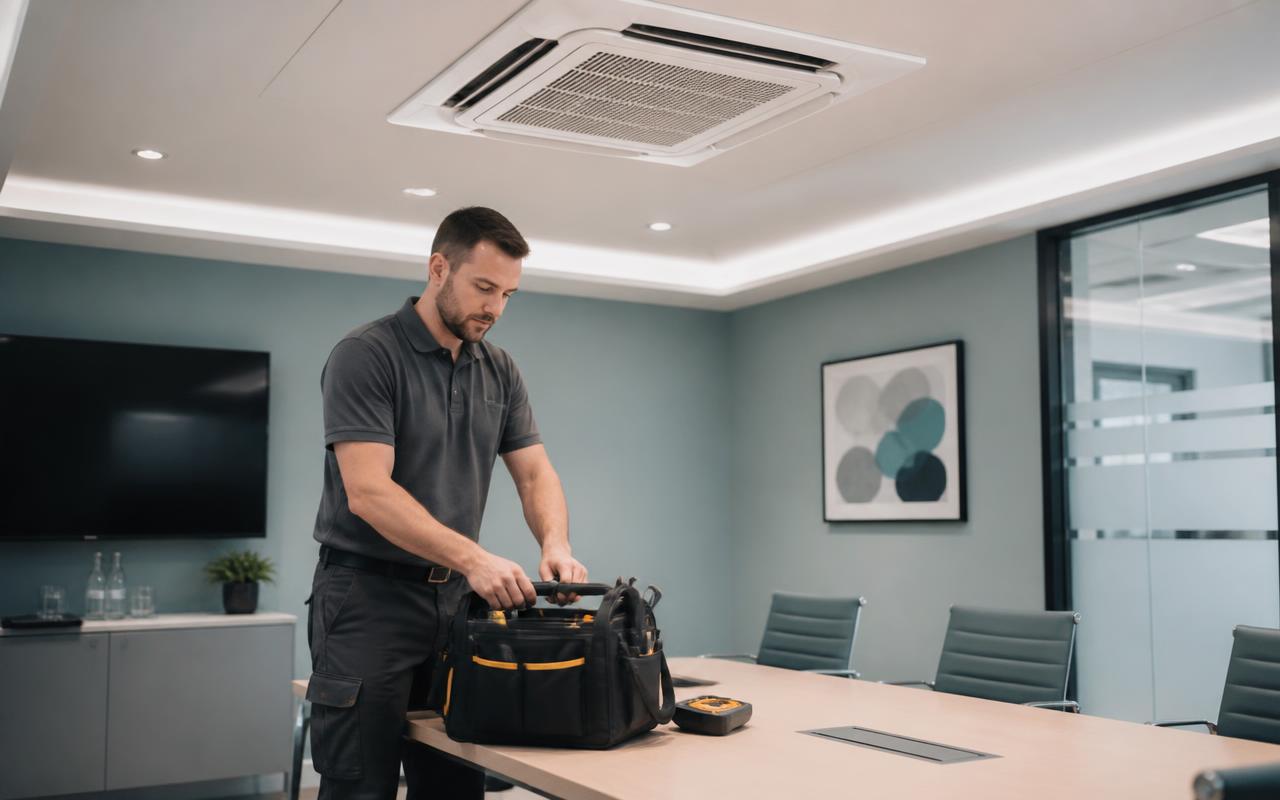
Just say what's wrong.
“The AC in conference room 4 isn't cooling.” No form, no category dropdown.

Mend understands it.
Location, trade, asset and priority, set in seconds, not at the end of the day.
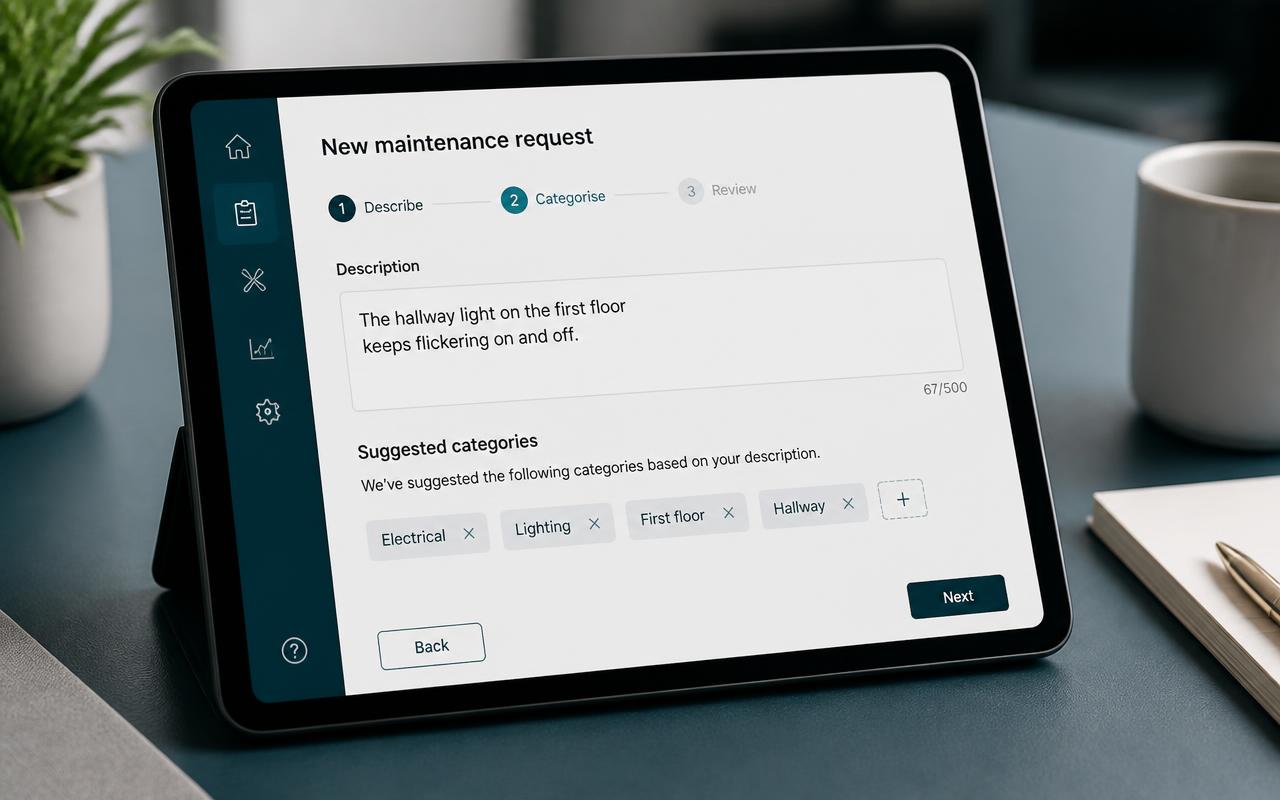
The right person gets it.
Routed by trade, location and who's actually on shift.

Mend follows up.
No acknowledgement in 30 minutes? Mend nudges, then escalates.
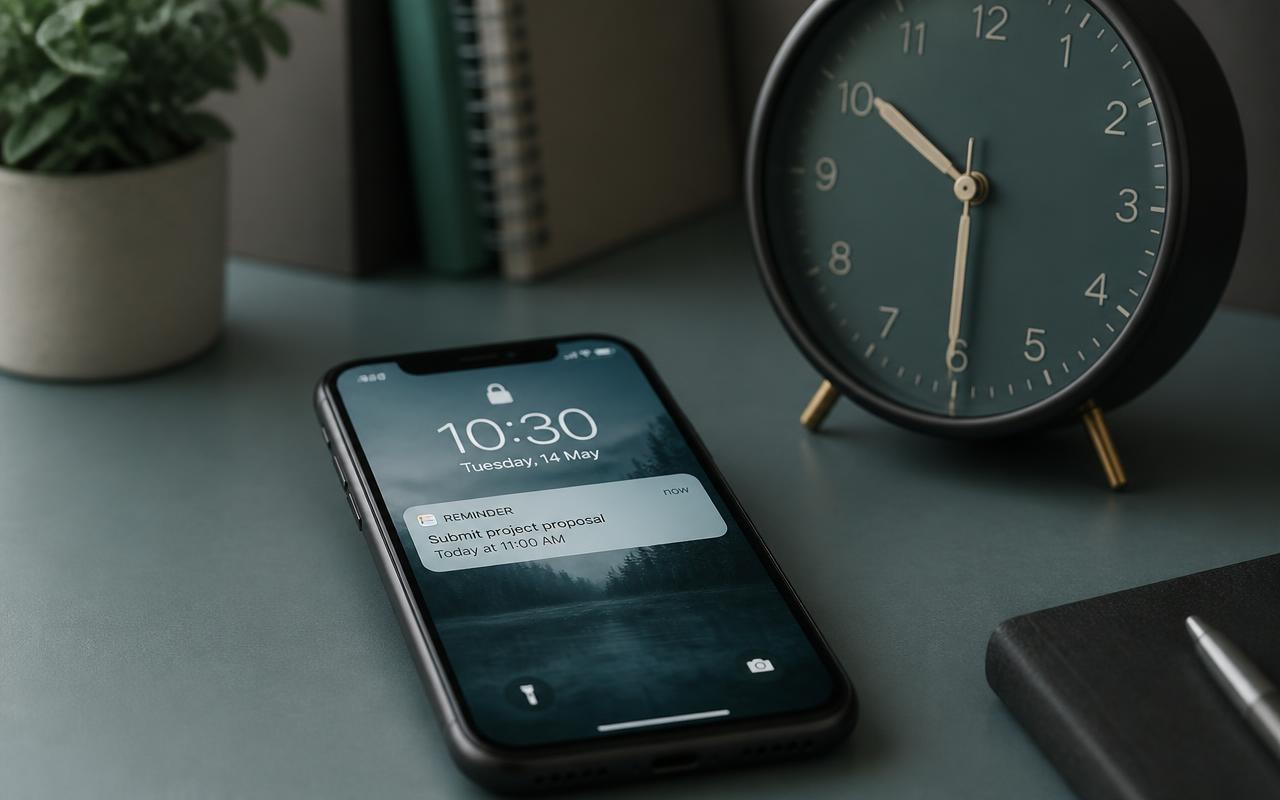
Everyone knows it's done.
The assignee closes it out. The reporter is notified. The manager doesn't have to ask.
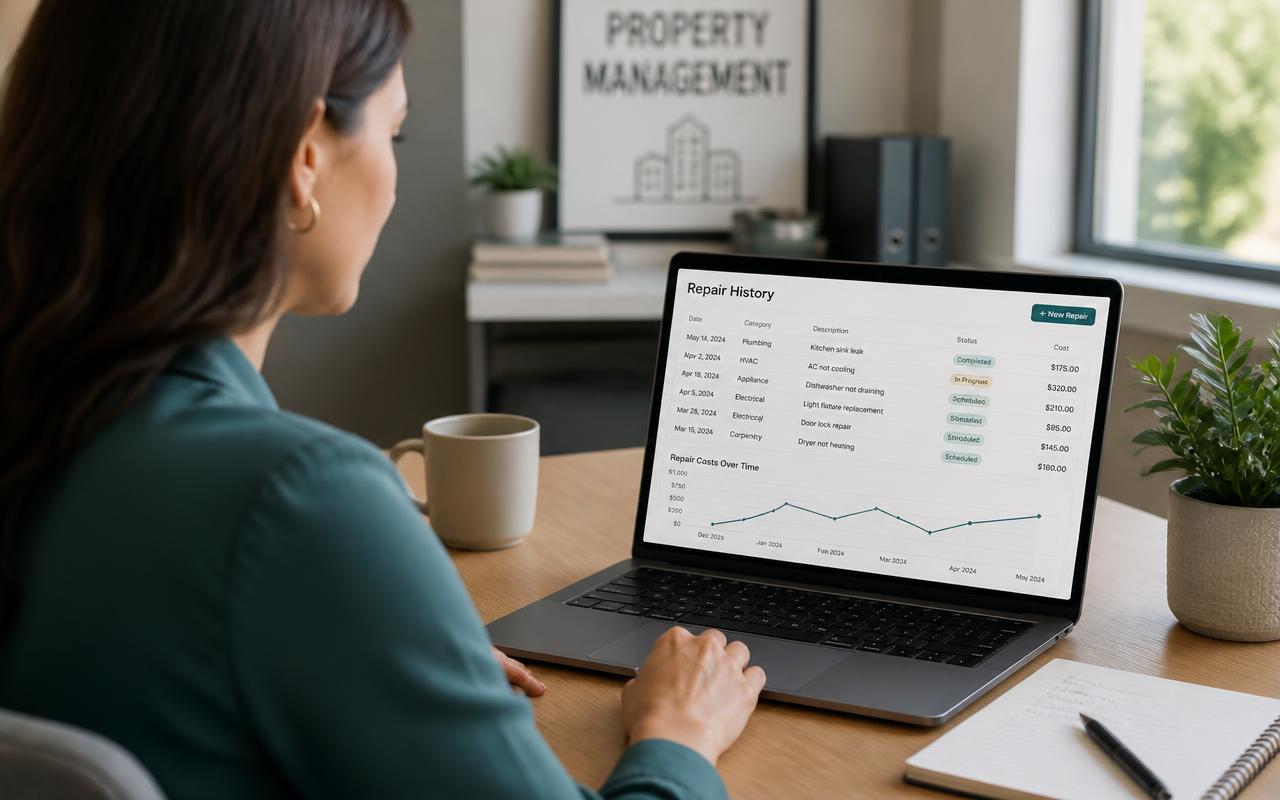
Mend remembers.
The repair attaches to the asset, so the fourth failure becomes a decision.
AC not cooling
Conference Room 4 · HVAC
- 08:41
New
- 08:41
Triaged · HVAC · High
- 08:42
Assigned · Dana
- 09:12
Follow-up sent
- 09:46
Resolved
- 09:47
History updated
3rd HVAC issue in Conference Room 4 this quarter. Flagged for a decision.
Your team reports it.
Mend tracks it, and tells you why.
See what maintenance looks like when every issue is tracked, every asset has a history, and the cost is finally visible.